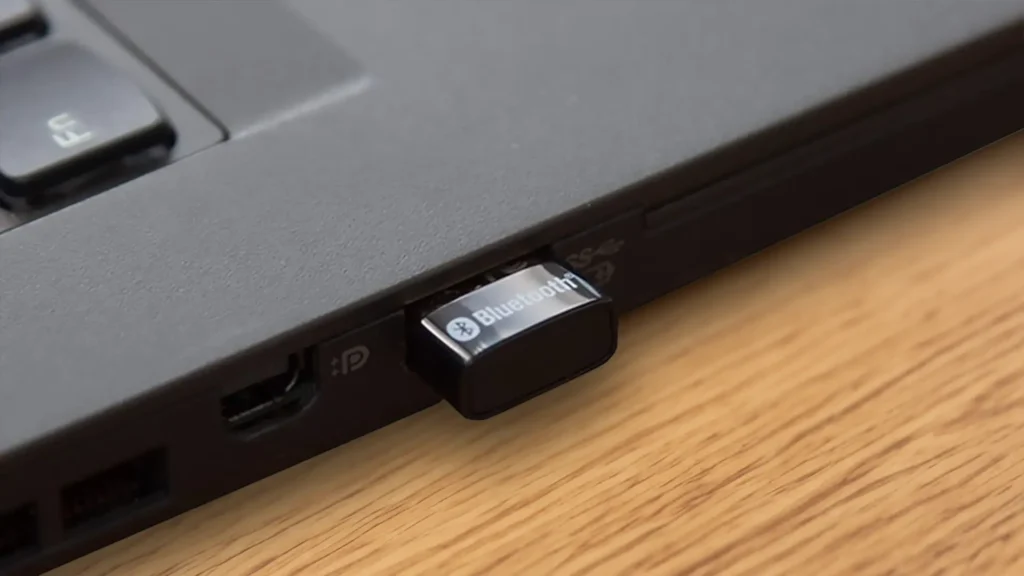
For years, my desktop PC was a lonely island in a sea of Bluetooth connectivity. My laptop and phone happily danced with wireless headphones and speakers, but my desktop remained stubbornly tethered by wires. Enter the TP-Link UB500, a tiny Bluetooth adapter promising to bridge that wireless gap. After a month of using it for everything from music streaming to video conferencing, here’s my verdict:
Unboxing and First Impressions
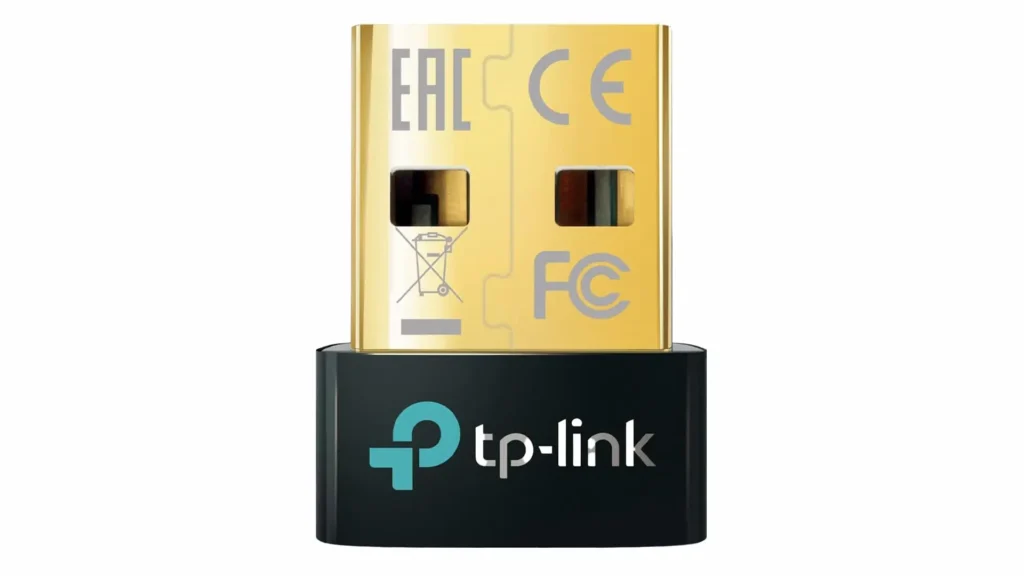
The TP-Link UB500 comes in a compact, no-frills package. Inside, you’ll find the adapter itself, a tiny black and gold device barely bigger than your thumb, and a short user manual. The size is both a blessing and a curse. On the plus side, it’s incredibly portable and won’t block neighboring USB ports. On the downside, its small stature makes it easy to misplace on a cluttered desk.
Setting Up: A Breeze
Thankfully, setting up the UB500 is as simple as plugging it into a USB port. Windows 10 automatically recognized the device and installed the necessary drivers. Within seconds, I was presented with a list of available Bluetooth devices. Pairing my headphones was a smooth process, and I was soon enjoying crisp, clear audio without any noticeable lag.
Everyday Use: A Mixed Bag
Here’s where my experience gets a bit more nuanced. Let’s break it down into the good, the bad, and the unexpected:
Pros:
- Strong, Stable Connection: The Bluetooth 5.0 technology delivers a reliable connection with good range. I was able to freely move around my house (admittedly, not a mansion) without any audio dropouts while using my Bluetooth headphones.
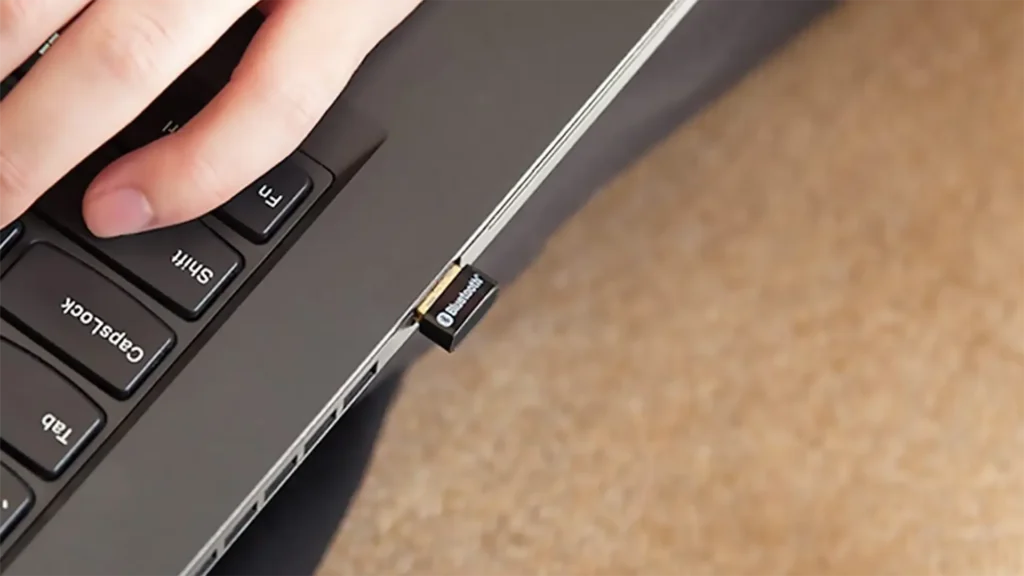
- Small and Unobtrusive: The tiny size is a major plus. It disappears into the back of my PC and doesn’t cause any visual clutter.
- Plug-and-Play Simplicity: For the most part, the UB500 lives up to its claim of being plug-and-play. Windows handled driver installation seamlessly, and pairing devices was a breeze.
Cons:
- Driver Quirks: While initial setup was smooth, I did encounter some hiccups when trying to connect a Bluetooth controller. The automatic driver installation didn’t seem to work, and I had to download the drivers from TP-Link’s website to get it functioning properly.
- Limited OS Support: Be aware that the UB500 is officially only supported on Windows 7 and up. If you’re using a different operating system, you might be out of luck.
- Uncertain Long-Term Reliability: It’s still a bit early to say for sure, but I did experience a couple of instances where the Bluetooth connection dropped unexpectedly. These were brief hiccups, but they raise some questions about the adapter’s long-term stability.
Beyond the Basics: Exploring the Range
TP-Link advertises the UB500’s extended range, but I wanted to put it to the test. With my headphones on, I walked around my house, venturing further and further from my PC. The connection held strong for a surprising distance, even reaching through walls and down a flight of stairs before finally stuttering and dropping completely. While the exact range will vary depending on your environment, it definitely surpassed my expectations for a small USB adapter.
Conclusion: A Promising Budget Option with Caveats
The TP-Link UB500 is a solid Bluetooth adapter for the price. Its small size, ease of use, and strong connection make it a compelling option for anyone looking to add Bluetooth functionality to their desktop PC. However, the limited OS support and occasional driver quirks might be dealbreakers for some users. If you’re a casual user on Windows who needs a simple solution for connecting headphones or speakers, the UB500 is a great choice. But for power users or those on different operating systems, it might be worth considering a more robust adapter with broader compatibility.
Overall, I’d give the TP-Link UB500 a 5 out of 5 stars.
In closing, The TP-Link UB500 is a decent Bluetooth adapter that punches above its weight in terms of size and range. With a little more polish on driver compatibility, it could be an even more attractive option for budget-minded Bluetooth seekers.